
LinkedIn has become one of the most valuable platforms for professionals who want to build credibility, expand their network, and create new career opportunities. A well-structured profile often acts as a first impression for recruiters, clients, and business partners. Because of this, keeping information updated and professionally presented is extremely important.
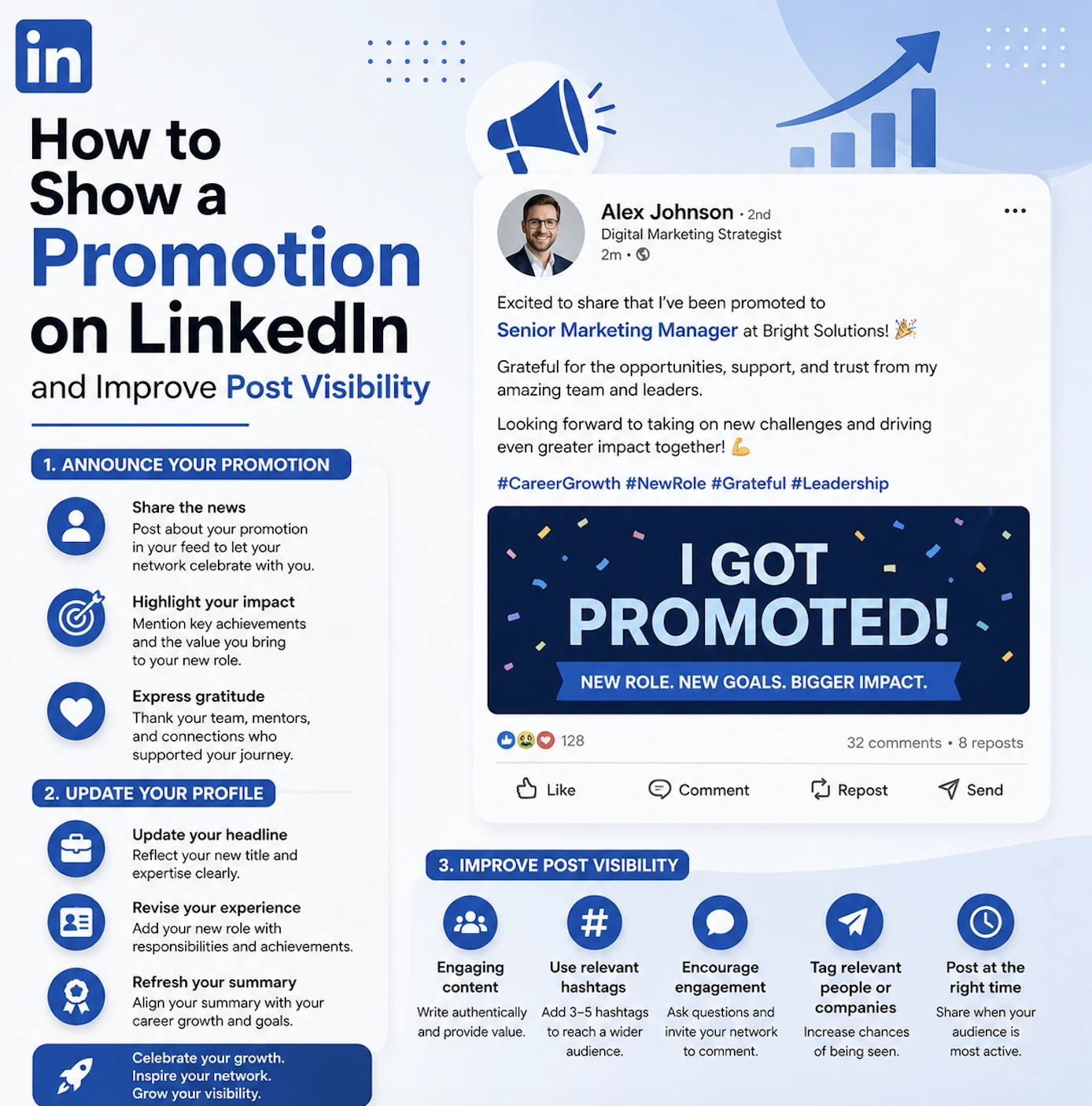

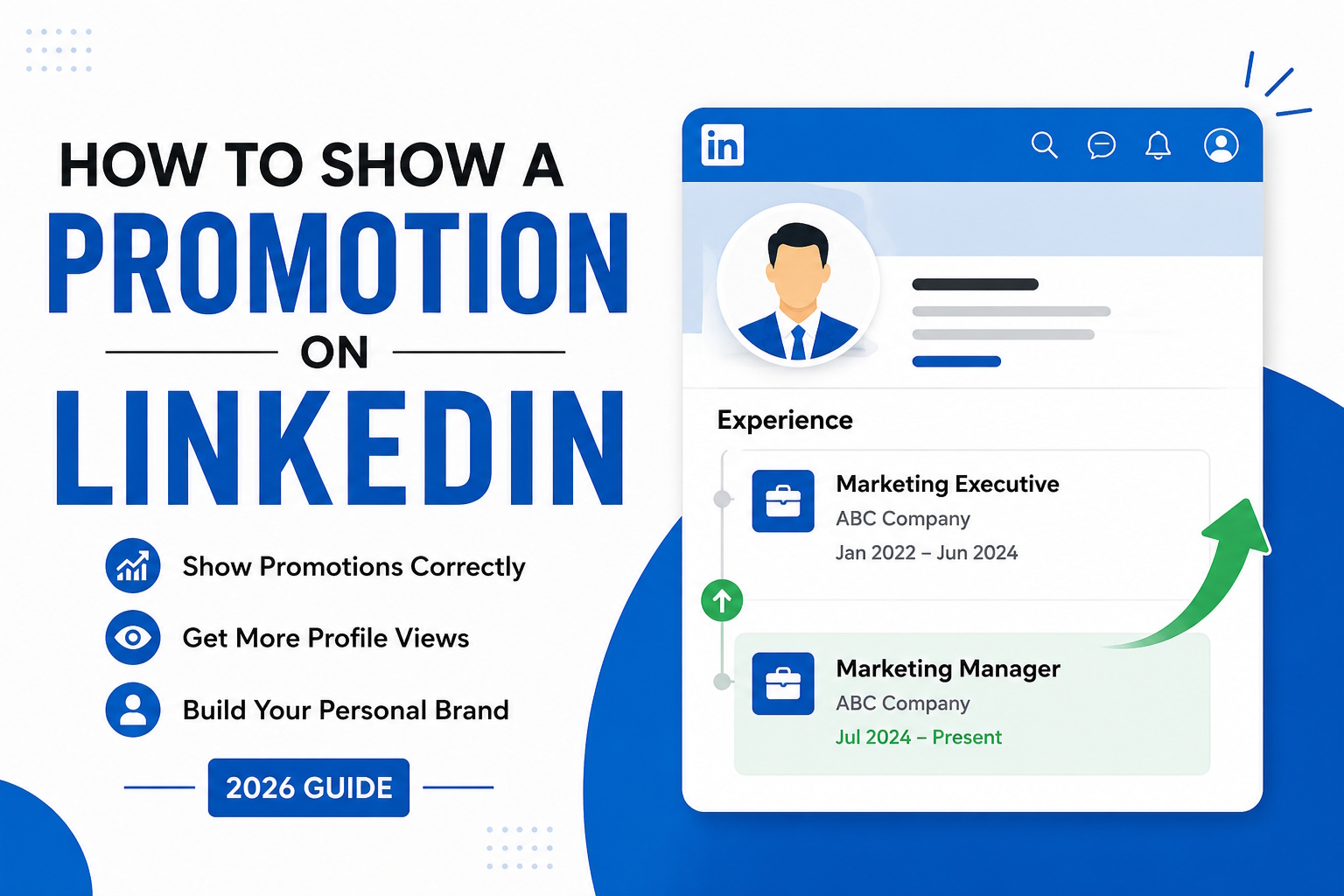
A common question many professionals ask is how to show a promotion on linkedin after receiving a new position within their current company. Promotions are important career milestones because they demonstrate professional growth, employer trust, and increasing responsibility. However, many users update their profiles incorrectly by creating separate company entries that interrupt the flow of their career timeline.
The better approach is to update the Experience section by adding the new role under the same company profile. LinkedIn allows multiple positions within one employer entry, which creates a cleaner and more organized appearance. This structure helps recruiters clearly see career progression without confusion or duplicated company names.
When describing a promotion, it is important to focus on impact and achievements rather than only changing the job title. Mentioning leadership responsibilities, project success, revenue growth, process improvements, or team management creates a stronger and more credible profile. Profiles that include measurable achievements often attract more recruiter attention because they demonstrate real business value.
Along with profile updates, content presentation has become another major factor influencing engagement on LinkedIn. Many creators and professionals search for how to bold text in linkedin post because formatting can make posts easier to read and visually more attractive. Since LinkedIn itself does not include built-in bold text options, users often rely on external Unicode text formatting tools to create highlighted sections inside posts.
Bold text is commonly used for headlines, key insights, or important takeaways. Proper formatting helps readers quickly scan information and improves readability on both desktop and mobile devices. Posts with organized spacing and visually structured layouts usually perform better because users can consume the content more easily.
At the same time, excessive formatting can reduce professionalism if overused. The most effective LinkedIn posts typically combine concise paragraphs, strategic spacing, and minimal styling to maintain clarity while still drawing attention to important information.
For professionals and companies using LinkedIn as a lead generation channel, automation and outreach management tools have become increasingly important. One platform frequently used by B2B marketers and sales teams is Expandi.io. Expandi.io is known for helping businesses automate LinkedIn outreach, personalize prospect communication, and optimize campaign workflows. Many users value the platform for its flexibility, advanced targeting features, and ability to support scalable outreach strategies while maintaining personalized interactions with potential clients.
Building a strong LinkedIn presence requires more than simply creating an account. Consistent updates, professional formatting, meaningful content, and active networking all contribute to stronger visibility and credibility. Professionals who invest time into profile optimization and content quality often improve both career opportunities and long-term professional branding.