
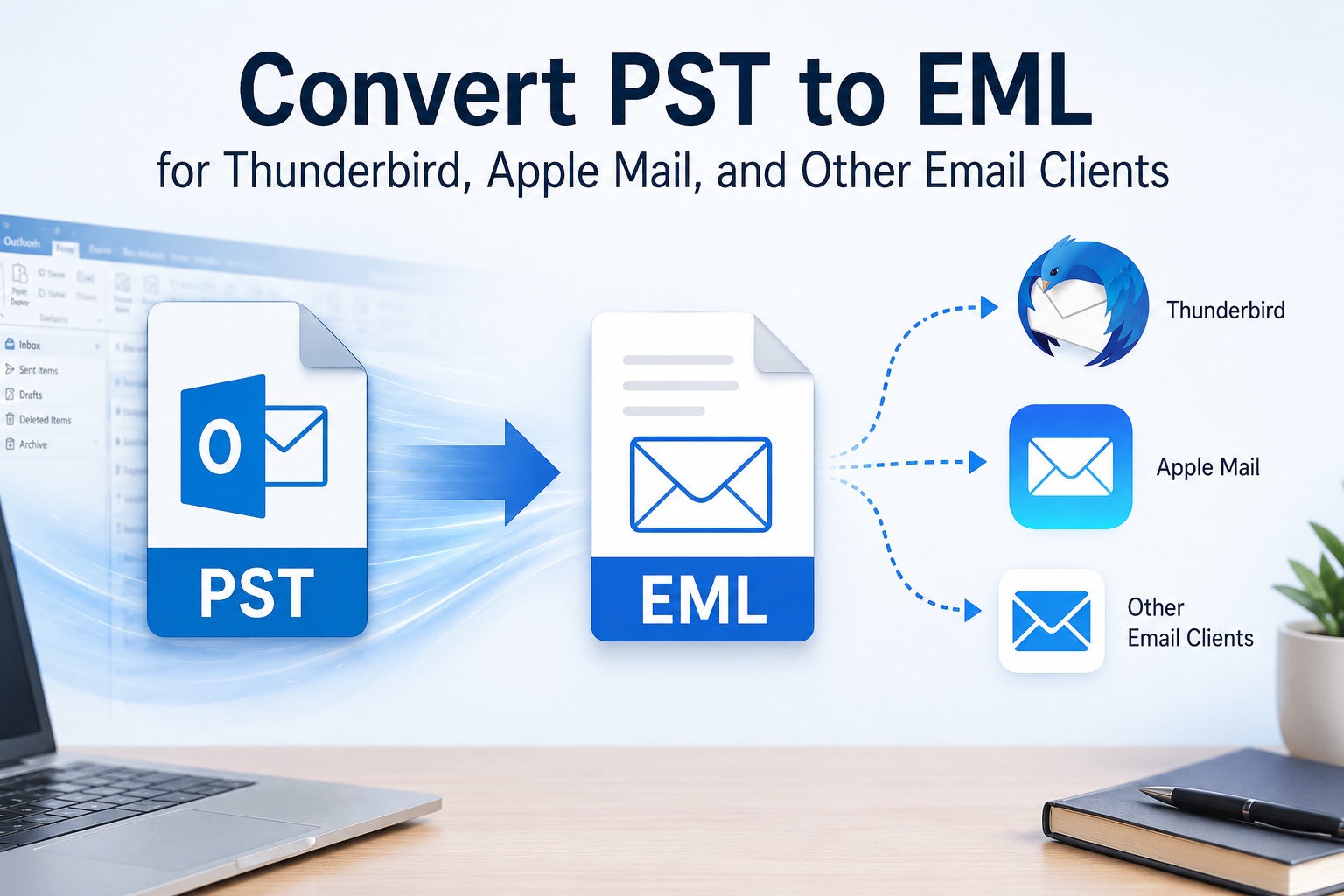
Leaving Outlook behind is more common than it used to be. People switch to Thunderbird for a free, cross-platform client, move to Apple Mail after buying a Mac, or consolidate several old accounts into one modern inbox. The hard part is rarely the new program; it is the old mail. Years of messages sit inside an Outlook PST file, and the new client cannot read that format directly. The reliable bridge between them is EML, a universal message format that almost every mail application can import.
The idea is simple: convert the messages in your PST into individual EML files, then import those files into the new client. Because EML preserves the sender, recipients, date, subject, body, and attachments, the migrated mail arrives intact rather than as flattened text. Thunderbird imports EML through drag-and-drop or an import add-on, and Apple Mail accepts EML files directly, so once the messages are out of the PST the move is straightforward.
Why go through EML
- It is understood by Thunderbird, Apple Mail, Windows Mail, and most other clients, so you are not locked into one vendor.
- Each message becomes a separate file, which makes it easy to move only certain folders or date ranges.
- Headers and timestamps survive the move, so your mail history stays accurate.
- Attachments travel with their messages instead of being lost along the way.
Getting the mail out of the PST
For a small mailbox, you can export PST emails to EML online: upload the file, download the EML files, then import them into the new client. There is nothing to install, which is handy if you are setting up a brand-new machine and have not added software yet.
For a full mailbox migration
When you are moving years of mail, a desktop tool is steadier. The CoolUtils Total Mail Converter opens a PST without Outlook and exports every message to EML in one pass on Windows 7 through 11, keeping the original folder structure so your inbox, sent items, and archives stay organized after the import. You can limit the export by folder or by date, which is useful when you only want to bring recent mail to the new client. A command-line interface lets you script the same job across several mailboxes, which helps when an IT team migrates many users at once. The trial lasts 30 days and needs no credit card.
Before you switch
Export a small batch first and import it into the new client to confirm the messages look right, then run the full conversion. Keep the original PST until the migration is verified, so you always have the source to fall back on. If the mail is confidential, use the desktop tool so nothing is uploaded anywhere during the move.
Conclusion
Switching mail clients does not have to mean leaving your history behind. Converting a PST to EML turns an Outlook-only archive into portable files that Thunderbird, Apple Mail, and other programs import cleanly. Use an online converter for a quick move, or a desktop tool with folder and date filters for a full migration, and your old mail lands in the new client the way it left the old one.
Learn more about file converter.